It has been a while since I have written anything on my blog, partly because life got busy and partly because I was pulled into one of those massive projects at work that quietly eats your calendar and your evenings. You know, the fun stuff.
Fast forward to recently. We had a surprisingly enjoyable and slightly chaotic exercise at work where we needed to match media titles from one system to another, basically a large source to target mapping puzzle. Initially, I reached for Alteryx and used Jaro and Levenshtein fuzzy matching. It worked for some titles, and I set a 90 percent confidence threshold because I value my team’s sanity and did not want to hand them a thousand questionable matches and a headache. Of course, nothing in metadata land is ever straightforward. One dataset listed seasons as “S3” while the other spelled out “Season 3.” Some titles appeared as “Grudge, The” because they pushed the article to the end for sorting.
In other words, welcome to the beautiful, messy, unpredictable world of studio catalogs.
Some of the challenges with algorithms like Jaro and Levenshtein are that they struggle with several real-world title variations, including:
- Abbreviations
- Semantic similarity
- Multi-entity franchises
- Titles that look different but mean the same thing
- Titles that look similar but are not the same
Here are a few quick examples:
| Category | Example | Why Fuzzy Fails | Why Embeddings Succeed |
| Abbreviations | MI Rogue Nation ↔ Mission Impossible Rogue Nation | No character overlap | Understands MI = Mission Impossible |
| Semantic Similarity | Furious 7 ↔ Fast & Furious 7 | Missing words | Understands franchise identity |
| Multi-Entity Franchise | Star Trek ↔ Star Trek Discovery | Over-matches | Knows film vs series |
| Different Text, Same Meaning | Shrek 4 ↔ Shrek Forever After | Weak text similarity | Same narrative entity |
| Similar Text, Different Meaning | Up ↔ Up in the Air | Over-matches | Completely different topics |
All in all, I needed something more robust and more “human-like” to match the information.
That is when I came across embeddings.
Why Embeddings?
Embeddings convert text into vectors that capture semantic meaning, not just string similarity. In the world of Natural Language Processing (NLP), semantic meaning refers to the conceptual meaning behind the text, not the exact characters or spelling used. Embeddings allow a model to understand what a title represents, rather than simply how it is written.
The Problem: Matching Titles at Scale
Once we got past the first round of fuzzy matching, the real challenge became obvious. We were not just matching a handful of titles. We were working with:
- Around 500,000 titles in the master catalog
- Tens of thousands of titles in the source system
If you think about it in brute force terms, matching every source title to every master title would mean checking billions of combinations. That is fine in theory, but in practice it quickly turns into:
- Very large memory usage
- Slow runtimes – Crashed Python sessions
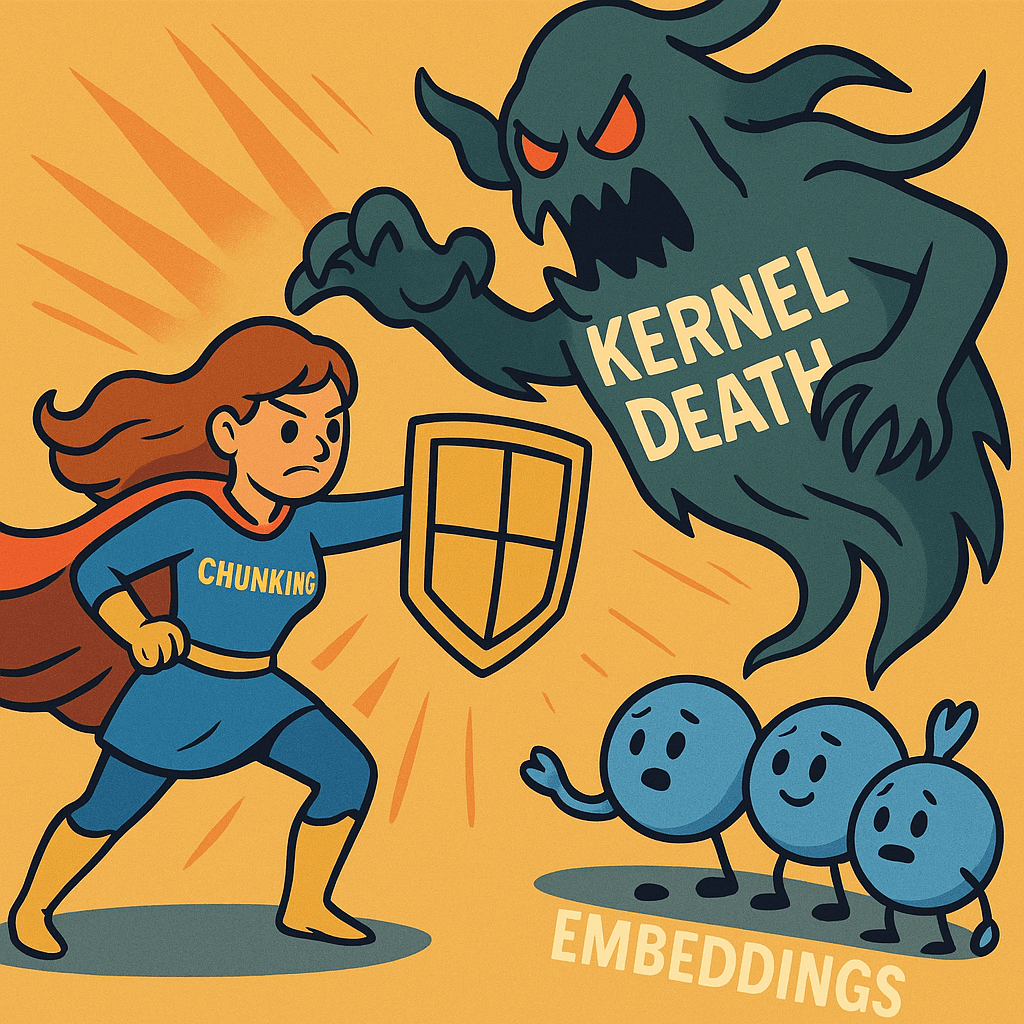
I was using a system with 16 GB of RAM and no GPU. The number of kernel deaths I witnessed would make a horror writer proud!
The Algorithm: Chunked Embeddings for Title Matching
To handle both accuracy and scale, I moved to a vector based approach using Natural Language Processing embeddings and cosine similarity. The idea is as follows:
- Convert each title into a vector that represents its meaning.
- Use cosine similarity to see how close two titles are in that vector space.
- Do this in small pieces so that memory usage stays under control.
Here is how the algorithm works step by step.
Step 1: Embed all source titles
First, I take all the titles from the source system and generate embeddings for them using a sentence level model. Each title becomes a numeric vector.
- Input: list of source titles
- Output: `source_embeddings` matrix of shape `(number_of_source_titles, embedding_dimension)`
Step 2: Process the master titles in chunks
The master catalog is much bigger, so instead of loading all 500,000 titles into memory at once, I process them in chunks. For example:
- Chunk 1: master titles 0 to 4,999
- Chunk 2: master titles 5,000 to 9,999
- And so on until I reach the end
For each chunk I do the same thing:
- Generate embeddings for that chunk
- Normalize the chunk embeddings
Then I discard the chunk once I have used it, so the memory footprint stays small.
Step 3: Compare each source batch to each master chunk
Next, I compare small batches of source titles to one master chunk at a time.
- Take a batch of, for example, 64 source titles
- Compute the cosine similarity between this batch and the current master chunk
- This produces a small similarity block instead of one giant matrix
Step 4: Keep only the top K matches per source title
For each source title, I do not need every similarity score. I only care about the top few matches.
For each source title I keep:
- The top K similarity scores
- The corresponding master indices
Every time I process a new master chunk, I update the top K list for each source title if I find a better match. This is like a running leaderboard for closest titles.
Step 5: Build the final match tables
After all master chunks are processed, each source title has:
- Up to K candidate matches from the master catalog
- A similarity score for each match
From there I build two final tables:
- A Top K Candidates table, which is useful for review and diagnostics.
- A Best Match Per Source table, where I take the highest scoring match and flag it if it is above a chosen threshold, such as 0.80.
This gives me a scalable, more “human like” matching approach that can handle abbreviations, franchise patterns, and text differences, without crashing the environment.
Code: Chunked Matching With Embeddings
import os
import numpy as np
import pandas as pd
from sentence_transformers import SentenceTransformer

# =========================================
# CONFIG
# =========================================

MASTER_EXCEL_PATH = r"C:\myproject\data\target_master.xlsx"
SOURCE_EXCEL_PATH = r"C:\myproject\data\source_titles.xlsx"

MASTER_SHEET_NAME = "Sheet1"
SOURCE_SHEET_NAME = "Sheet1"

MASTER_TITLE_COL = "master_title"
SOURCE_TITLE_COL = "source_title"

# Smaller model to save memory
EMBEDDING_MODEL_NAME = "paraphrase-MiniLM-L3-v2"

TOP_K = 5
SIM_THRESHOLD = 0.80

# Smaller chunks to avoid OOM
MASTER_CHUNK_SIZE = 5000      # try 2000 if it still crashes
SOURCE_BATCH_SIZE = 64

OUTPUT_TOPK_CSV = r"C:\myproject\output\chunk_title_matches_topk.csv"
OUTPUT_BEST_CSV = r"C:\myproject\output\chunk_title_matches_best.csv"

SAVE_SOURCE_EMBEDDINGS = True
SOURCE_EMB_PATH = r"C:\myproject\cache\chunk_source_embeddings.npy"

# =========================================
# 1. LOAD DATA
# =========================================

print("Loading Excel data...")

df_master = pd.read_excel(MASTER_EXCEL_PATH, sheet_name=MASTER_SHEET_NAME)
df_source = pd.read_excel(SOURCE_EXCEL_PATH, sheet_name=SOURCE_SHEET_NAME)

df_master = df_master[[MASTER_TITLE_COL]].dropna().reset_index(drop=True)
df_source = df_source[[SOURCE_TITLE_COL]].dropna().reset_index(drop=True)

# OPTIONAL: work on a sample first to avoid crashes
# df_master = df_master.head(100000)
# df_source = df_source.head(10000)

master_titles = df_master[MASTER_TITLE_COL].tolist()
source_titles = df_source[SOURCE_TITLE_COL].tolist()

n_master = len(master_titles)
n_source = len(source_titles)

print(f"Master titles: {n_master}")
print(f"Source titles: {n_source}")

# =========================================
# 2. LOAD MODEL
# =========================================

print("Loading embedding model...")
model = SentenceTransformer(EMBEDDING_MODEL_NAME)

def compute_embeddings(texts, desc=""):
    print(f"Encoding {len(texts)} items [{desc}]...")
    emb = model.encode(
        texts,
        show_progress_bar=True,
        convert_to_numpy=True,
        batch_size=128  # embedding batch size; keep moderate
    )
    return emb.astype("float32")

# =========================================
# 3. SOURCE EMBEDDINGS
# =========================================

if SAVE_SOURCE_EMBEDDINGS and os.path.exists(SOURCE_EMB_PATH):
    print("Loading cached source embeddings...")
    source_emb = np.load(SOURCE_EMB_PATH)
else:
    source_emb = compute_embeddings(source_titles, desc="source titles")
    if SAVE_SOURCE_EMBEDDINGS:
        os.makedirs(os.path.dirname(SOURCE_EMB_PATH), exist_ok=True)
        np.save(SOURCE_EMB_PATH, source_emb)
        print(f"Saved source embeddings to {SOURCE_EMB_PATH}")

def l2_normalize(mat, axis=1, eps=1e-12):
    norm = np.linalg.norm(mat, axis=axis, keepdims=True)
    return mat / np.maximum(norm, eps)

print("Normalizing source embeddings...")
source_norm = l2_normalize(source_emb)
source_norm = np.ascontiguousarray(source_norm.astype("float32"))

_, dim = source_norm.shape

# =========================================
# 4. INIT TOP-K STORAGE
# =========================================

best_sims = np.full((n_source, TOP_K), -np.inf, dtype=np.float32)
best_master_indices = np.full((n_source, TOP_K), -1, dtype=np.int32)

# =========================================
# 5. CHUNKED MATCHING
# =========================================

print("Starting chunked matching...")

for m_start in range(0, n_master, MASTER_CHUNK_SIZE):
    m_end = min(m_start + MASTER_CHUNK_SIZE, n_master)
    master_chunk_titles = master_titles[m_start:m_end]
    chunk_size = m_end - m_start

    print(f"Master chunk {m_start} to {m_end-1} (size={chunk_size})")

    master_chunk_emb = compute_embeddings(master_chunk_titles, desc=f"master chunk {m_start}-{m_end-1}")
    master_chunk_norm = l2_normalize(master_chunk_emb)
    master_chunk_norm = np.ascontiguousarray(master_chunk_norm.astype("float32"))

    for s_start in range(0, n_source, SOURCE_BATCH_SIZE):
        s_end = min(s_start + SOURCE_BATCH_SIZE, n_source)
        source_batch = source_norm[s_start:s_end]

        sims_block = np.dot(source_batch, master_chunk_norm.T)

        batch_size = s_end - s_start
        for i in range(batch_size):
            src_idx = s_start + i
            row_sims = sims_block[i]

            if chunk_size > TOP_K:
                local_idx = np.argpartition(-row_sims, TOP_K-1)[:TOP_K]
                local_sims = row_sims[local_idx]
            else:
                local_idx = np.arange(chunk_size)
                local_sims = row_sims

            global_idx = m_start + local_idx

            cand_sims = np.concatenate([best_sims[src_idx], local_sims])
            cand_idx = np.concatenate([best_master_indices[src_idx], global_idx])

            if cand_sims.size > TOP_K:
                sel = np.argpartition(-cand_sims, TOP_K-1)[:TOP_K]
            else:
                sel = np.arange(cand_sims.size)

            sel_sims = cand_sims[sel]
            sel_idx = cand_idx[sel]

            order = np.argsort(-sel_sims)
            best_sims[src_idx] = sel_sims[order][:TOP_K]
            best_master_indices[src_idx] = sel_idx[order][:TOP_K]

print("Finished matching chunks.")

# =========================================
# 6. BUILD TOP-K DF
# =========================================

rows = []
for src_idx in range(n_source):
    for rank in range(TOP_K):
        m_idx = int(best_master_indices[src_idx, rank])
        sim = float(best_sims[src_idx, rank])
        if m_idx < 0 or not np.isfinite(sim):
            continue
        rows.append({
            "source_index": src_idx,
            "source_title": source_titles[src_idx],
            "candidate_rank": rank + 1,
            "master_index": m_idx,
            "master_title": master_titles[m_idx],
            "similarity": sim
        })

topk_df = pd.DataFrame(rows)
os.makedirs(os.path.dirname(OUTPUT_TOPK_CSV), exist_ok=True)
topk_df.to_csv(OUTPUT_TOPK_CSV, index=False)
print(f"Saved TOP-K matches → {OUTPUT_TOPK_CSV}")

# =========================================
# 7. BEST MATCH PER SOURCE
# =========================================

best_df = (
    topk_df.sort_values(["source_index", "similarity"], ascending=[True, False])
           .groupby("source_index", as_index=False)
           .first()
)
best_df["is_match_above_threshold"] = best_df["similarity"] >= SIM_THRESHOLD

os.makedirs(os.path.dirname(OUTPUT_BEST_CSV), exist_ok=True)
best_df.to_csv(OUTPUT_BEST_CSV, index=False)
print(f"Saved BEST matches → {OUTPUT_BEST_CSV}")

print("Done.")

Takeaway
Overall, this project reinforced a few important lessons. Preprocessing and data cleaning matter far more than we like to admit, especially when matching hundreds of thousands of titles across messy, inconsistent catalogs. Scale changes everything: an algorithm that works beautifully on 5,000 rows can fall apart on 500,000. I also learned that embeddings offer a much more “human” understanding of meaning compared to traditional string methods, and that smart engineering patterns like chunking are not hacks but essential strategies when hardware is limited. At the end of the day, the best results came from combining solid preprocessing, semantic embeddings, and efficient memory management. And yes, I should absolutely be submitting a request for a future work laptop with more RAM.
 Bytes Of Data Insights